


FAQ
FAQ
ABOUT THE GAME
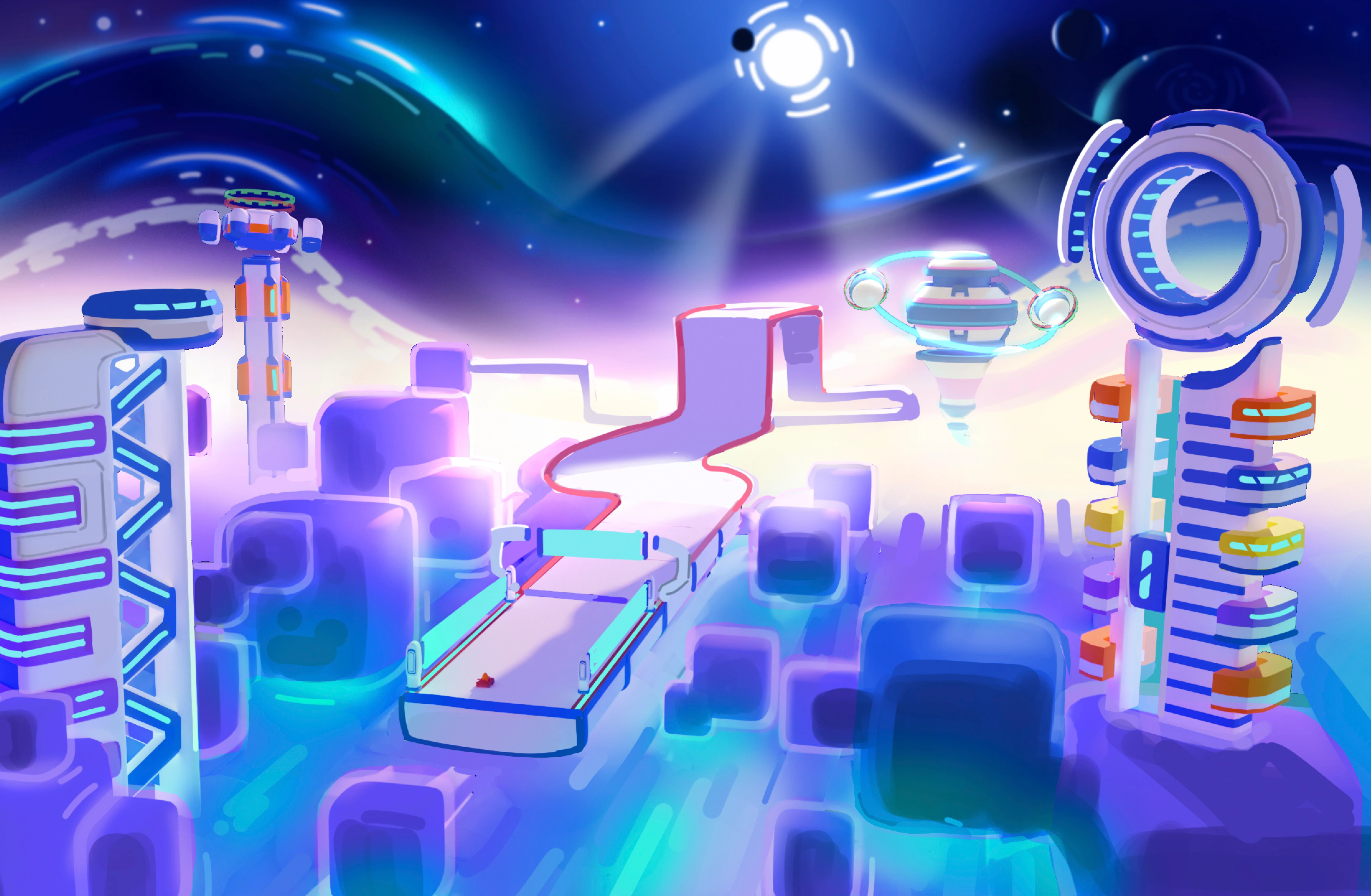
Cosmic Royale is an exhilarating online battle royale game that brings an exciting twist to the genre. It's not just about surviving; it's about racing to victory in an action-packed kart racing experience. This free-to-play game introduces players to the cosmic battleground, where competitors from all over the universe come together to prove their skills. In Cosmic Royale, you'll engage in thrilling races, outmaneuver opponents, and strategically survive each round to claim the title of champion.
Cosmic Royale is available on the App Store.
Cosmic Royale currently only supports 64-bit iOS devices that have at least 3 GB of RAM. Also, these devices must be running iOS 26 or higher.
There are 2 in-game currencies: Orbs serve as the soft currency, while Comets are the premium currency; both currencies can be earned through in-game activities and the Cosmic Pass. You can spend your Orbs and Comets on the game’s shop to unlock game items.
COSMIC PASS
The Cosmic Pass is a seasonal progression system that rewards players with various items such as karts, parts, banner elements and in-game currency. There are two versions of the Cosmic Pass: a free version and a Premium version, which offers additional exclusive rewards.
Owning several Karts and upgrading them will increase your cosmic energy contributing to a faster progression on the Cosmic Pass. To learn more about the cosmic energy, please consult the “cosmic energy” section of this FAQ.
Yes, the Cosmic Pass is limited in time and usually lasts a couple of months. During this time, the content within the season’s Cosmic Pass is unlockable. Once the season ends, the rewards tied to that specific Cosmic Pass will no longer be obtainable.
Cosmic Energy propels you forward in the Cosmic Pass: the more you earn, the faster you advance and unlock new rewards.
You earn Cosmic Energy at the end of each tournament, and the further you go, the more you will earn! Being the tournament champion is the best way to earn the maximum amount of Cosmic Energy!
You also have the opportunity to earn permanent bonuses that multiply your Cosmic Energy earnings:
- By upgrading your Karts
- By reaching certain milestones in Player Progression
Player Progession
Player Progression is a progression system that is independent of the game's Seasons. It allows you to unlock rewards using Player Experience earned during various tournaments. The more you play, the further you will advance in Player Progression and unlock exclusive rewards!
CUSTOMIZATION & UPGRADES
You can customize your Kart by unlocking and equipping various spare parts that you can obtain through the Cosmic Pass and in the Shop. In particular, you can customize your Kart's bumper, body color and pattern, wheels, and rear spoiler.
Kart upgrades can be obtained by accumulating Kart Experience earned in various tournaments and spending Orbs and Comets. This allows you to upgrade your Kart across 4 levels. Each of these levels:- multiplies your Cosmic Energy gains, a factor that helps you progress faster in the Cosmic Pass, allowing you to earn more rewards as you play.- grants you an exclusive spare part for your Kart: horn, new livery, animated pattern, and gold coating... It's up to you to unlock everything!
Parts are accessories that allow you to change the appearance of your Kart.
You can equip:
- wheels
- bumpers
- spoilers
- various body designs and colors (static or animated)
- liveries
- horns
Banners are customizable “business cards”, allowing you to stand out from the crowd. They are composed of an avatar, a background and your title. These 3 elements can be unlocked either through the Cosmic Pass or the game’s shop.
Game Center
Cosmic Royale is designed so that players can log in with their Game Center account.
If your mobile device is connected to Game Center when you launch the game for the first time, you don't need to do anything else, and you will be able to enjoy the platform's usual features: in-game achievements, access to friends lists, restoring your progress on another device, etc.
If you are not connected to Game Center, you will be prompted to do so when you launch the game for the first time.
Please note: If you decline by choosing not to connect to Game Center, you will not be able to restore your progress later.
If you subsequently activate Game Center on your mobile device, Cosmic Royale will create a new account that it will automatically connect to the platform, but your previous progress will be lost.
BUG REPORT & FEEDBACK
The best way to contact our Support team is by creating a ticket in game. To do so, click on the cog icon (top-right of the game's home screen) and select Assistance. You'll be redirected to a contact form.
You can also fill out the contact form directly via the Help Center by clicking on Submit Request (top-right of the Help Center home page).